Showing posts with label kenzie daley. Show all posts

3D woven baskets tutorial

COMING SOON
UNDER CONSTRUCTION


This tutorial shows how to assemble the woven 3D baskets from Snapdragon Snippets. The digital dies can be found in the Silhouette online store in .studio form or at www.snapdragonsnippets.com in .svg form.

In this tutorial I'll walk you through the single handled basket, but the double handled basket is basically the same.
This is how I set up my cut files. The basket body I cut from a dark blue. This includes the 6 side pieces (squished hexagons), the handle strip (rectangle), and the base of the basket (hexagon with 6 tabs).
 Weaving the sides

Choose one of the squished hexagons. Locate the side with all the slashes in it. 
To weave the strips through easier, I pushed the vertical "threads" out a little.

When weaving, I suggest not removing the strips from your mat. The reason, that's a lot of little strips and it could get really confusing which one to use next if they're just in a big pile. I keep them on the mat and take one strip off at a time. 

Take the largest strip of the first set of strips. Weave it through the two slits closest to the middle as shown below. 


When I created this die cut, I purposely made it to hang slightly hang over the edge on both sides to cover the seems between each section. If this bugs you, trim it down. 
Take the next longest strip of the first set and weave it through the next three "threads" down as shown below.


Repeat all the way down. When you're inserting the last strip, be cautious. I ripped through the bottom of one of my sections.

Once you've weaved all six sections, crease each one in half. There are a couple different creases to make.
#1: the plain squished hexagon - just fold in half.


#2: Handled squished hexagon Single handled basket - fold in half except for middle nob. (See photos below)
Double handled basket - fold in half except for handles. 


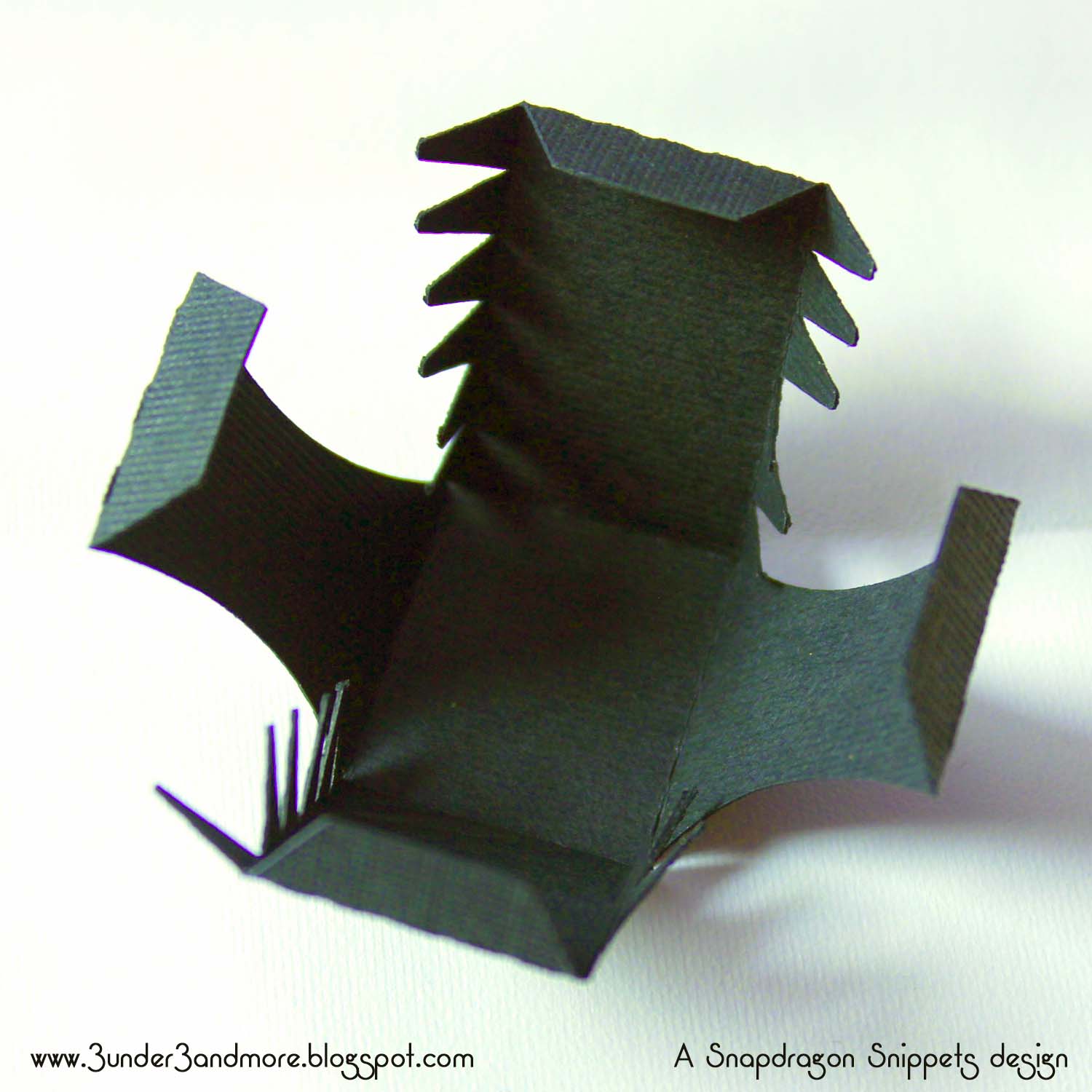
 #3: Squished hexagon with side tabs - fold both tabs towards inside


 #4: Handled squished hexagon  - fold all tabs toward inside


3D paper watering can tutorial


This tutorial shows how to assemble the 3D Watering Can from Snapdragon Snippets. The digital die can be found in the Silhouette online store in .studio form or at www.snapdragonsnippets.com in .svg form.

The cuts shown above are the main body of the watering can.  There are other shapes in your file which are  the optional accents.

To start take the two shapes shown above and crease inwards.

Adhere the smaller rectangle to the bottom tab of the watering can sides as shown above.

Glue the sides to the base.  Using a Popsicle stick you can apply equal pressure to the tab. 

Glue up the sides to complete the box part of the watering can.

Create the spout, by bending the spout and inserting the tabs through the circle piece with the slits.
Then bend them flat.

Glue the plain circle on top of the spout assembly.

Adhere the accent shape to the spout.

IMPORTANT!Glue the front accent piece lining up the rear spout holes before connecting the spout to the can.

Adhere the rest of the accent pieces as shown above.

Insert the tabs from the spout into the front of the can and glue the tabs down.

Glue the accent piece onto the handle.  Then attach the long handle to the small  hexagon at  rear of the box as shown above.

Bend down the handle and glue the tab flat.

Fold down the tabs on the splash guard in the front into the  watering can.

Glue the accent piece to the small handle then attach the smaller handle into the watering can to form the top handle.
And you are finished! 

3D Paper Witch's Boot Tutorial

This is the first of the witches boot series by Snapdragon Snippets that will be available or already available through Silhouette America's online store. For more info about how the Silhouette die cutting machine works and where to get it, see www.silhouetteamerica.com. 

To see all digital die cut designs available by Snapdragon Snippets, click HERE!

This tutorial shows some quick tips to make assembling a little easier. 
To start, I usually like to prep each piece. By this, I mean fold all tabs in the correct directions, and finger curl the paper to fit around curves a little better. 
Here's how I curl the back piece that fits around the heel. You can look at the final photo to get an idea of the curvature. In the photo below, the end with the tab is on the left side. 

And here is how to curve the bottom of the boot:

For the heel section, fold all tabs in as shown below:

For the top section of the boot, I laced up with ribbon. 

After lacing and tying the ribbon to keep it out of the way, I attached the tongue of the boot to the back as shown and curled the ends up:

Next, starting at the toe, slowly work your way up the boot. 
*Be sure to take your time in attaching the sole and the top. If you go to fast, the sole may end up not lining up in the end. Also, if you do to much of one side at once, it will be difficult to reach your fingers inside the boot to adhere the rest of the sides. 


Once the sole of the boot is attached, move on to the back. 

Assemble the heel as shown:

And adhere to the bottom of the boot. I like to line up the back edge of the heel and the boot to make a nice flowing curve. 

And that's it! There are so many ways to dress this up! I'd love to see what you come up with!

Related Posts with Thumbnails